

Application modernization becomes useful when it fixes a specific business constraint: a release that takes weeks, a database that cannot handle peak demand, or a critical component that no longer receives security updates. Moving an application to a new platform without understanding that constraint can simply relocate the same problems.
The more practical question is which change will improve the service while keeping essential work running. This seven-step modernization strategy focuses on evidence, limited migration boundaries and explicit recovery decisions. It suits organisations maintaining established applications whose users cannot wait for a complete rewrite.
Table of Contents
1. Define the outcome before the architecture
Begin with a user journey and a measurable limitation. For an order-management service, that might be delayed order confirmation during a busy period. Record the current response time, failure rate, release effort and support workload before choosing infrastructure. These measures provide a baseline against which the first migration can be judged.
Assign one business owner and one technical owner to the outcome. Agree which existing behaviours must remain unchanged, including reporting, access permissions and customer notifications. Application modernization needs an operational definition of success; adopting a fashionable architecture is not enough.
2. Build application dependency mapping around real traffic
Document the application, databases, scheduled jobs, identity services and external integrations. Application dependency mapping should also include dependencies that rarely appear in diagrams: spreadsheet exports, monthly reconciliations, shared folders and support scripts. Interview the people who operate these processes, then compare their answers with logs and configuration.
Distinguish a technical connection from a business dependency. A reporting job may run only at month end, yet its failure can block financial operations. Use this map to select a small migration boundary with understandable inputs, outputs and owners. Unknown dependencies are a reason to investigate, rather than an invitation to widen the first release.
3. Choose the smallest suitable migration approach
Rehosting changes where an application runs with limited changes to its design. Replatforming makes selected platform changes, such as moving to a managed database. Refactoring changes internal structure, while replacing a component adopts another product or service. Each option has different testing and operating costs.
Do not assume that microservices are the default destination. A well-maintained modular application can be simpler for a small team to operate than many independently deployed services. For legacy application migration, compare the options against the actual constraint, the skills available and the cost of running both environments during transition.
A decision record should explain why an approach was selected, what evidence could invalidate it and which components remain outside scope. That makes later trade-offs easier to review when budgets or integration requirements change.
4. Use incremental modernization at a clear boundary
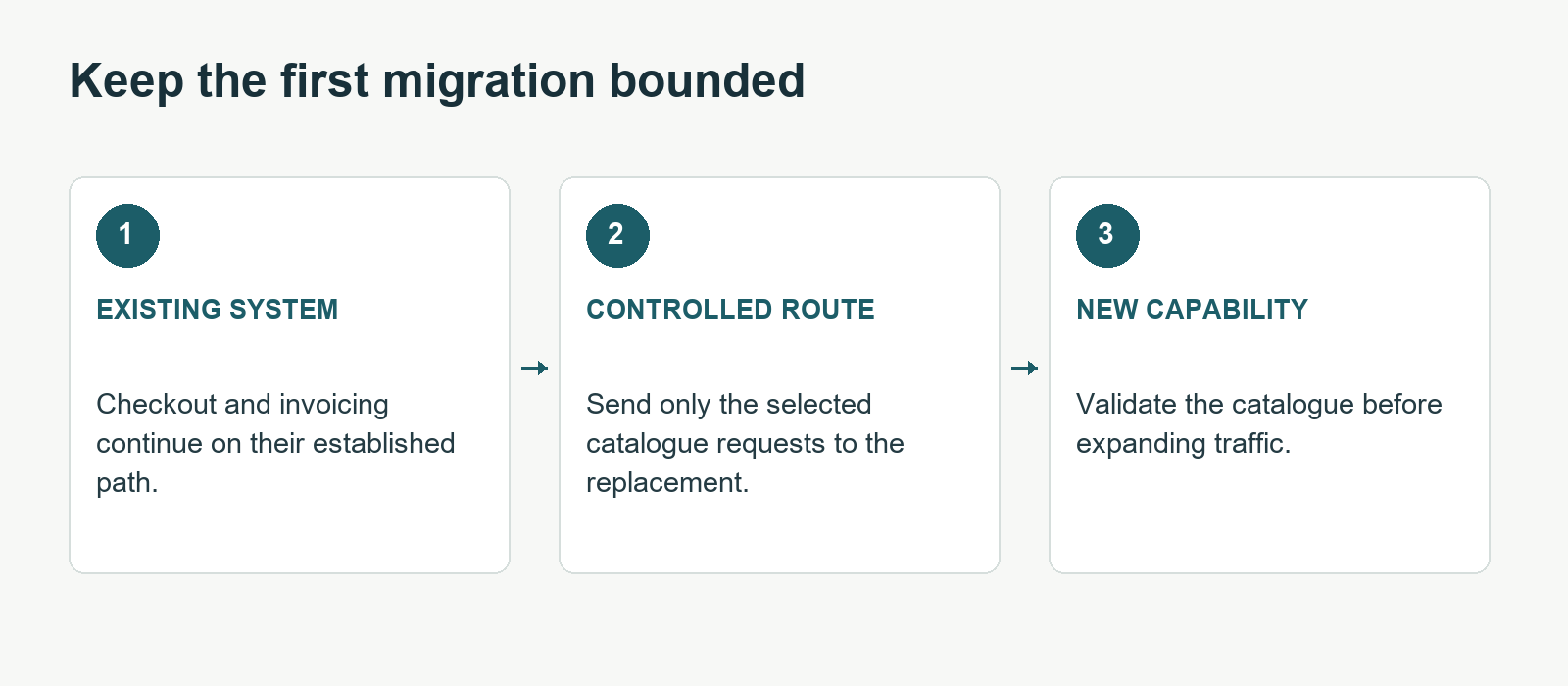
Incremental modernization replaces a bounded capability while the remaining application continues serving users. A product-catalogue lookup, for example, may be a safer starting point than payment settlement. Route the selected request to the new component, monitor its behaviour and keep the older route available until the release is accepted.
Microsoft describes this gradual replacement approach in its Strangler Fig pattern guidance. The pattern requires a routing boundary; it is less useful when requests cannot be separated or when the intermediary becomes an unacceptable bottleneck. Treat the pattern as an option to assess against the application, rather than a guarantee of a seamless migration.
Give the pilot a completion condition. A component that remains permanently half migrated leaves two operating models to maintain. Record the traffic percentage, observation period and compatibility checks required before retiring the older path.
5. Protect data and rehearse recovery
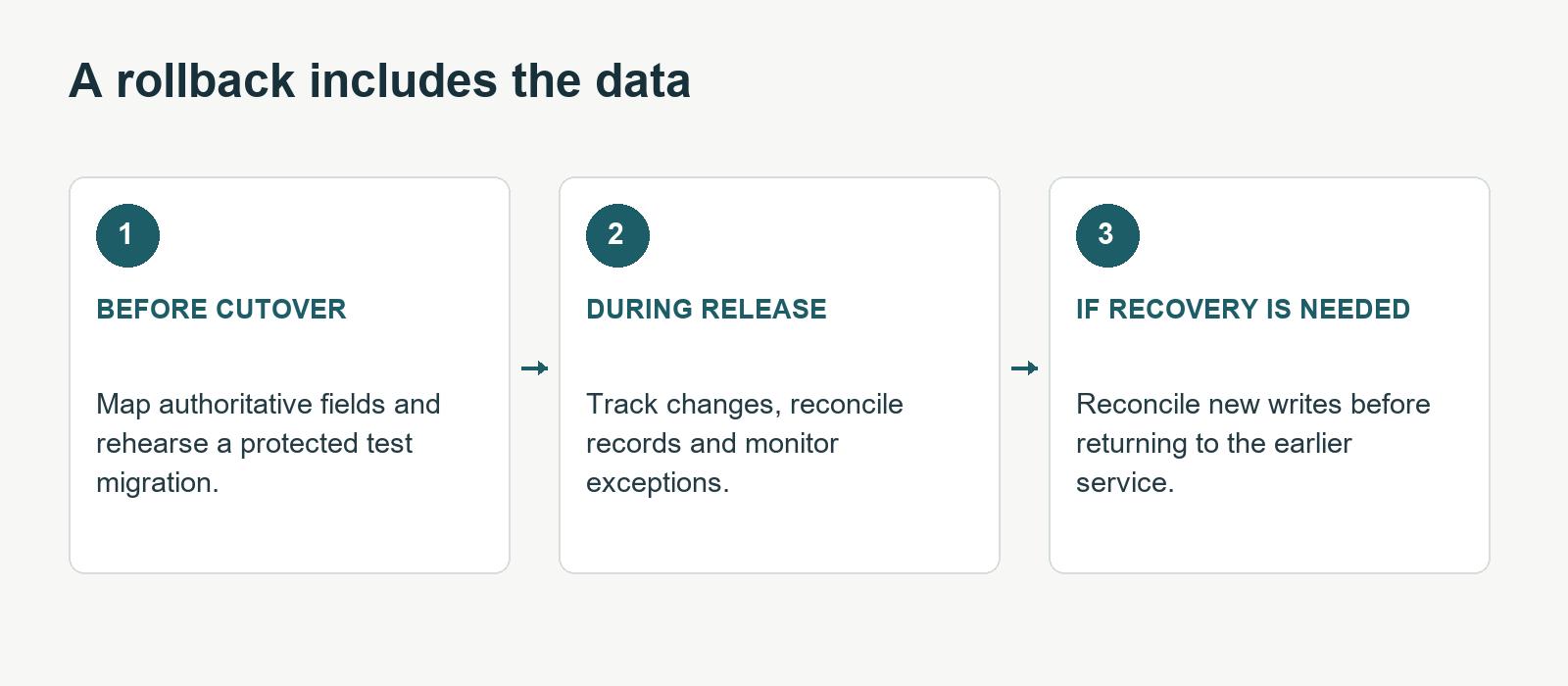
Data movement deserves its own plan. Identify the authoritative source for each field, map differences in formats and validate records that do not fit the new schema. Reconcile totals and representative records in a non-production rehearsal using appropriately protected test data.
Decide how changes made during migration will be handled. If both systems can accept writes, conflicting updates may be more difficult to recover than an application failure. A rollback plan must account for the data created after cutover, including whether it can be transferred back safely.
Preserve access boundaries, secrets management and audit trails throughout application modernization. Review the privileges of migration accounts and remove temporary access when the work is complete. Security verification belongs in the release criteria alongside functional testing.
6. Release in stages and measure the user experience
Start with a small group or a limited percentage of eligible requests. Watch error rates, latency, failed background jobs and support reports. Compare these with the baseline rather than relying only on infrastructure health. A service can have healthy servers while customers receive inconsistent results.
Set a pause threshold before releasing. For example, the team may stop expansion when order reconciliation fails or a critical workflow produces an unexpected result. The specific threshold must reflect the service and its business risk; a universal performance target would be misleading.
Use automated tests for repeatable checks and human review for business outcomes that automation cannot reliably judge. An accessible interface and clear error messages remain part of a successful release even when the main work happens behind the scenes.
7. Finish application modernization with an operating handover
A migration is incomplete while nobody owns patching, monitoring, backup restoration or incident response in the new environment. Update runbooks, name service owners and rehearse the support handover before removing the legacy component.
Review licensing, retained data, scheduled jobs and network connections during decommissioning. Remove obsolete infrastructure only after confirming that its business obligations have been addressed. Revisit the original measures and record what improved, what did not and what the team learned.
This is where a modernization strategy becomes repeatable. A small, documented migration with validated recovery gives the next team stronger evidence than a large transformation whose benefits were never measured.
Worked example: moving a catalogue without rewriting checkout
Consider a fictional distributor whose catalogue pages slow down during seasonal traffic. The checkout and invoicing functions share the same application, but their behaviour is acceptable. Rebuilding everything would put several stable processes at risk while delaying the improvement customers actually need. The team instead selects catalogue lookup as a bounded first migration.
The first discovery exercise follows a product update from the warehouse system to the catalogue. It reveals a nightly price import, an image store, a search index and a support tool that can hide unavailable products. The team documents these relationships before designing the replacement. Without that work, a technically fast catalogue might display an outdated price or a product that support had deliberately removed.
The migration design keeps product ownership in the existing system and builds a new read-only catalogue service. A routing layer sends a limited set of eligible requests to the new service. The old checkout continues receiving the same product identifiers. This boundary avoids introducing two independent sources of truth for prices during the pilot.
Before external traffic changes, the team compares representative responses from both catalogue paths. It checks prices, availability, language variants and withdrawn products, not just the number of records returned. Differences enter an issue queue with named owners. Only reviewed differences become accepted changes in behaviour.
During the pilot, support staff receive a clear way to report inconsistent catalogue information. The release owner monitors response times together with failed lookups and downstream checkout errors. If the new path becomes unreliable, routing can return to the old catalogue while the team investigates. The fallback is tested in advance rather than invented during an incident.
This example illustrates incremental modernization rather than a universal reference architecture. A different application might require a different boundary or an earlier data migration. Its useful lesson is the sequence: understand the dependency, limit the change, verify the information and expand only after the evidence supports doing so.
A decision record the next team can actually use
Record the business constraint in one sentence, then identify the people and workflows affected. A statement such as ‘catalogue lookups fail during a promotion’ is more actionable than ‘the platform needs transformation’. Attach the baseline evidence and explain the period in which it was collected, including unusual traffic or maintenance events.
List the options considered and the trade-offs that matter. A managed service may reduce routine operating work but introduce new cost behaviour, access requirements or platform dependencies. A modular redesign may improve maintainability while leaving the hosting arrangement unchanged. The record should make those choices visible without pretending that one architecture is best for every workload.
For each important assumption, name the evidence that would change the decision. If a legacy integration cannot support the expected request volume, the migration boundary may need revision. If a vendor cannot provide a tested export, replacement may require additional data preparation. Explicit assumptions make application dependency mapping a living decision aid rather than a diagram filed away after discovery.
Keep a separate list of deferred work with reasons and owners. Deferring a low-value report is different from overlooking a security dependency. The distinction helps reviewers assess residual risk and prevents the migration from expanding silently whenever someone discovers another useful improvement.
Include the retirement conditions for the old component. Name the reports, scheduled jobs and retained records that must remain available. Explain who approves removal and how the team will detect unexpected use after the traffic switch. This provides a finish line for legacy application migration and reduces the cost of operating two environments indefinitely.
Choose measures that expose both benefits and new costs
Track lead time for a representative change from approval to release, rather than only counting deployments. More frequent deployments can be useful, but they do not establish that users receive valuable changes sooner. Compare similar changes and record significant differences in scope so that the result remains interpretable.
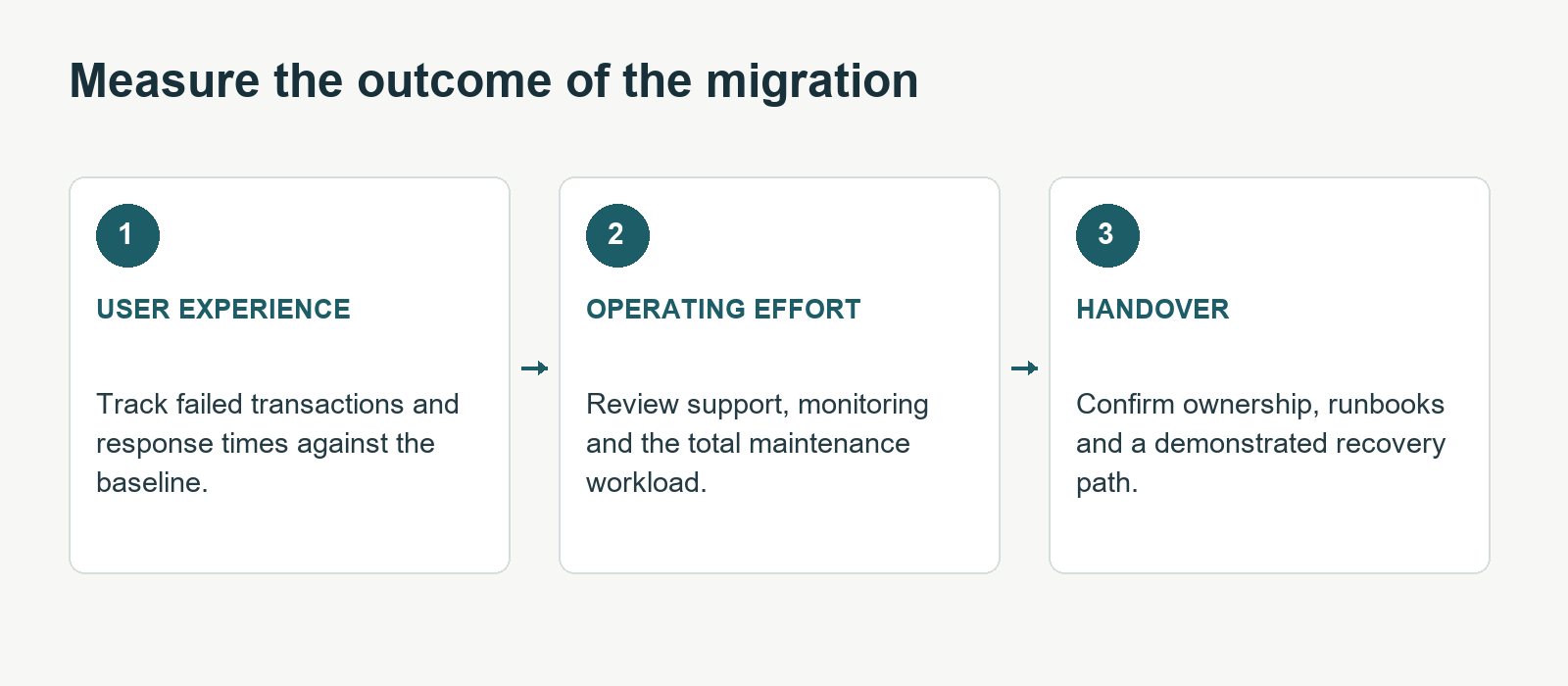
Measure failed user transactions alongside service response time. Faster responses are not an improvement if the replacement returns incomplete information. Define what counts as a failed business transaction and keep that definition consistent throughout the pilot. Use the same approach for reconciliation exceptions and support workload.
Review total operating effort. Application modernization may reduce hardware maintenance while increasing monitoring, vendor coordination or cloud cost management. Record the work that moved as well as the work that disappeared. A service owner needs this picture to plan staffing and budgets after the project team leaves.
Finally, test a recovery scenario after handover. Confirm that the current operators can restore the service, locate the runbook and explain the remaining dependencies. A successful demonstration provides evidence that the modernization strategy has improved supportability, even when the most visible interface looks much the same to its users.
Before approving the next application modernization phase, compare its expected benefit with the work already completed. A successful pilot does not mean every remaining component should follow the same route. Some dependencies may justify a different platform decision, a longer coexistence period or no migration at all. Keep the decision connected to the original business objective and explain the evidence to the people responsible for operating the result. This makes the programme easier to govern and gives users a clearer account of why the next change is being made.
Common questions before the first migration
Does application modernization always require cloud hosting? No. An on-premises application can be improved through supported dependencies, clearer modules, stronger deployment practices and better operations. Hosting is one decision within the wider plan.
Should every old application be rebuilt? No. Business value, supportability and integration requirements should guide the decision. Some systems need limited remediation, while others may be retired or replaced. Start with the outcome and use the smallest change that can credibly achieve it.
Sources and further reading
Microsoft Azure Architecture Center: Strangler Fig pattern. A reference for assessing gradual replacement, routing boundaries and its limitations.
NIST Secure Software Development Framework. A reference for integrating security practices into software development and maintenance.
Continue reading: building business software for changing needs.